
Unofficial guide hub
Cube Tap Sort Level Walkthroughs & Solutions
Cube Tap Sort is a 3D color-order puzzle where you tap exposed blocks, follow the active target boxes, and protect a five-slot buffer while the structure opens and turns.
Jump straight to your stuck level
Browse by 50-Level Ranges
Pick a range and browse every Cube Tap Sort level.
Milestone levels
Featured
 Level 1 Level 1 10 Live
  Level 10 Level 10 20 Live
 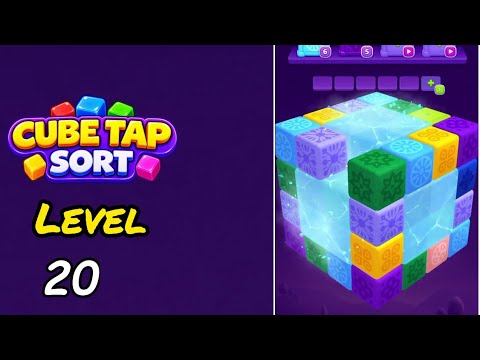 Level 20 Level 20 30 Live
  Level 30 Level 30 40 Live
  Level 40 Level 40 50 Live
  Level 50 Level 50 Level 1 Level 1 2 Live
 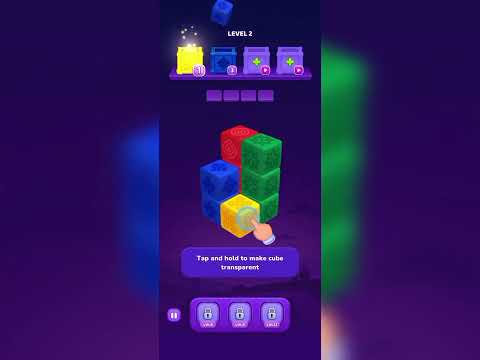 Level 2 Level 2 3 Live
  Level 3 Level 3 4 Live
  Level 4 Level 4 5 Live
  Level 5 Level 5 6 Live
  Level 6 Level 6 7 Live
  Level 7 Level 7 8 Live
  Level 8 Level 8 9 Live
  Level 9 Level 9 10 Live Level 10 Level 10 11 Live
  Level 11 Level 11 12 Live
  Level 12 Level 12 13 Live
  Level 13 Level 13 14 Live
  Level 14 Level 14 15 Live
  Level 15 Level 15 16 Live
  Level 16 Level 16 17 Live
  Level 17 Level 17 18 Live
  Level 18 Level 18 19 Live
  Level 19 Level 19 20 Live Level 20 Level 20 21 Live
  Level 21 Level 21 22 Live
 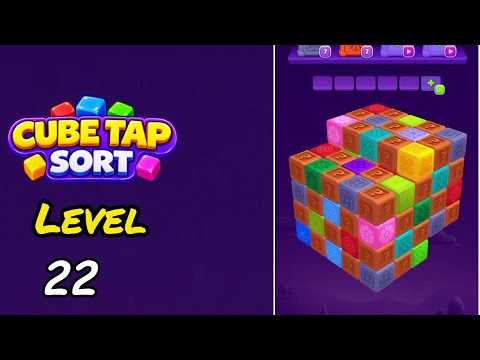 Level 22 Level 22 23 Live
 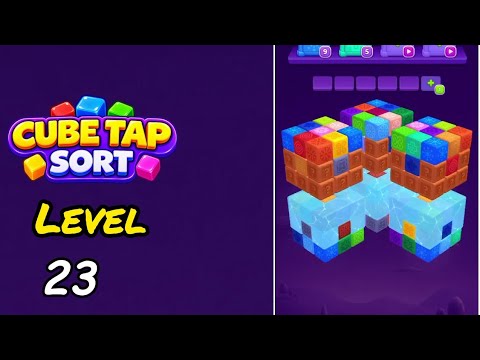 Level 23 Level 23 24 Live
  Level 24 Level 24 25 Live
  Level 25 Level 25 26 Live
  Level 26 Level 26 27 Live
 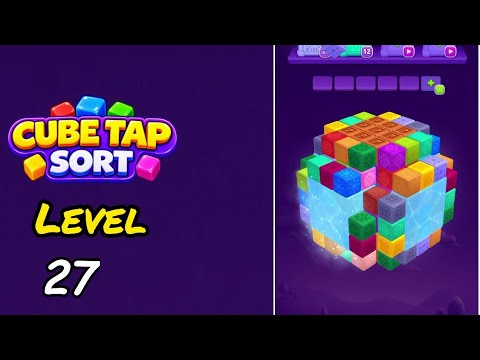 Level 27 Level 27 28 Live
  Level 28 Level 28 29 Live
  Level 29 Level 29 30 Live Level 30 Level 30 31 Live
  Level 31 Level 31 32 Live
  Level 32 Level 32 33 Live
  Level 33 Level 33 34 Live
  Level 34 Level 34 35 Live
  Level 35 Level 35 36 Live
  Level 36 Level 36 37 Live
  Level 37 Level 37 38 Live
  Level 38 Level 38 39 Live
  Level 39 Level 39 40 Live Level 40 Level 40 41 Live
  Level 41 Level 41 42 Live
  Level 42 Level 42 43 Live
 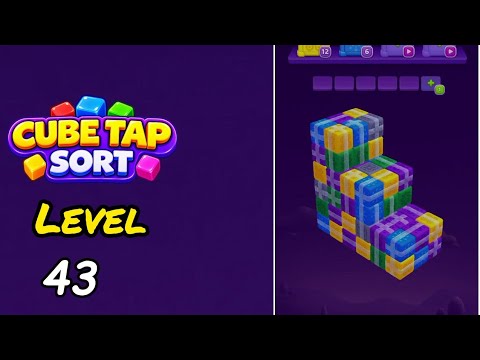 Level 43 Level 43 44 Live
  Level 44 Level 44 45 Live
  Level 45 Level 45 46 Live
  Level 46 Level 46 47 Live
  Level 47 Level 47 48 Live
  Level 48 Level 48 49 Live
  Level 49 Level 49 50 Live Level 50 Level 50
 What is Cube Tap Sort?
Cube Tap Sort presents a colorful 3D block structure with active order boxes at the top. Tap a block matching the current target to dismantle it; a mismatched tap consumes one of the five buffer spaces until that color becomes useful.
LevelSolve provides evidence-backed walkthroughs for Cube Tap Sort Levels 1-50. Each guide is grounded in a verified local 720p-or-higher video, a level-specific note, hand-written YAML, independent review, adjacency validation, and a successful production build.
How to Play Cube Tap Sort
These tips apply across all Cube Tap Sort levels. For level-specific advice, open any walkthrough from the range browser above.
- Read the active target boxes before tapping a visible block, and treat the five buffer spaces as a finite planning resource.
- Describe the rotating model by front, top, side, rear, and inner layers; do not rely on fixed coordinates after the view changes.
- A target counter is not a move count. Unless the game shows a separate move metric, the walkthrough keeps moves null.
Frequently Asked Questions
-
How does Cube Tap Sort clear a level?
Tap the exposed blocks in the order accepted by the active target boxes, manage any temporary buffer entries, and clear the entire 3D structure until the completion state appears.
-
What happens when a tapped block does not match the active target?
The block enters the limited buffer instead of being cleared immediately, so an early mismatched tap can consume space needed for a later reveal.
-
Are Cube Tap Sort walkthroughs official?
No. Cube Tap Sort belongs to Tripledot Studios Limited. LevelSolve is an unofficial fan guide.